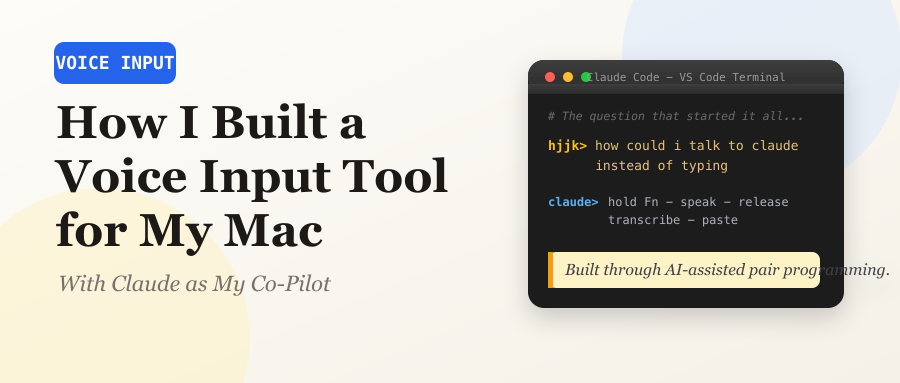
A developer's journey from typing fatigue to a polished macOS speech-to-text app, built entirely through AI-assisted pair programming.
The Spark: “How Could I Talk to Claude Instead of Typing?”
It was late on March 12, 2026. I was deep into an intense coding session — evaluating ByteDance’s DeerFlow project, running multi-AI audits, battling context window limits — and my fingers were tired. I had been chatting with Claude Code in VS Code for hours, typing everything out, when I asked the question that started it all:
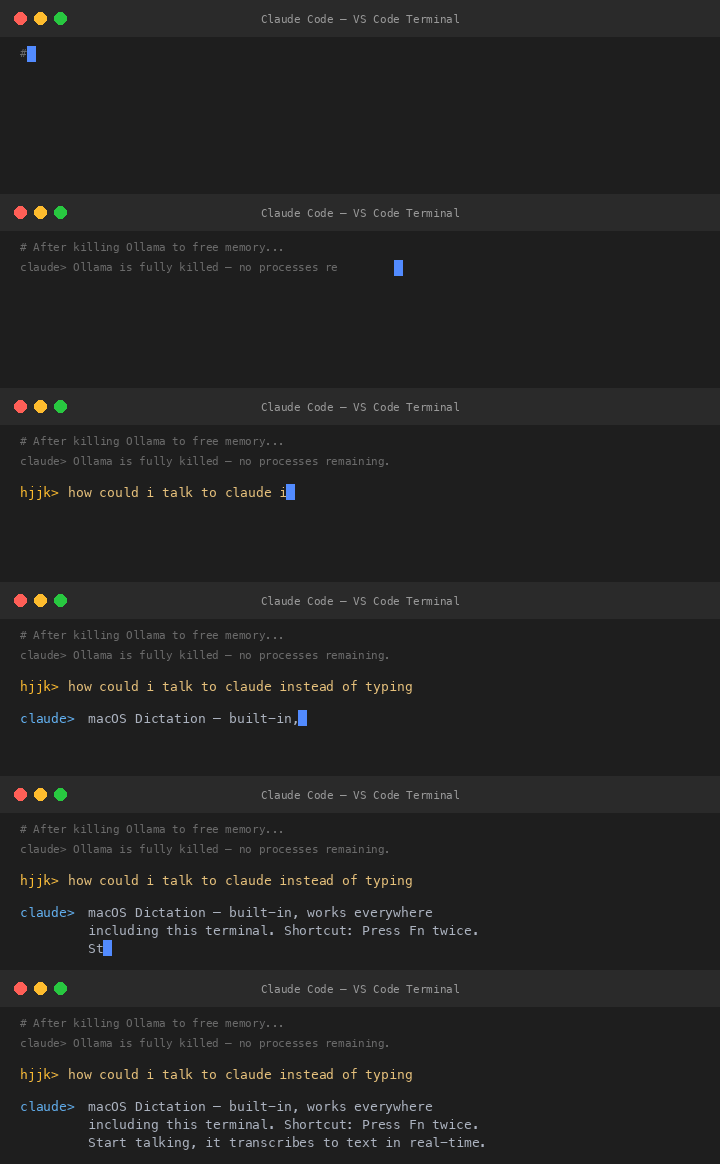
I shot it down immediately:
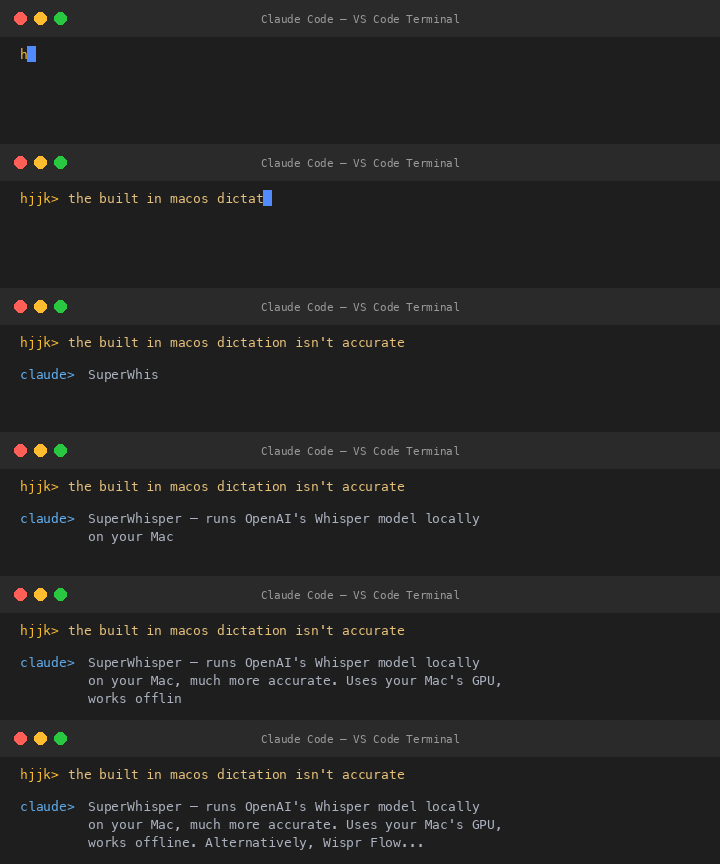
But I had something more specific in mind:
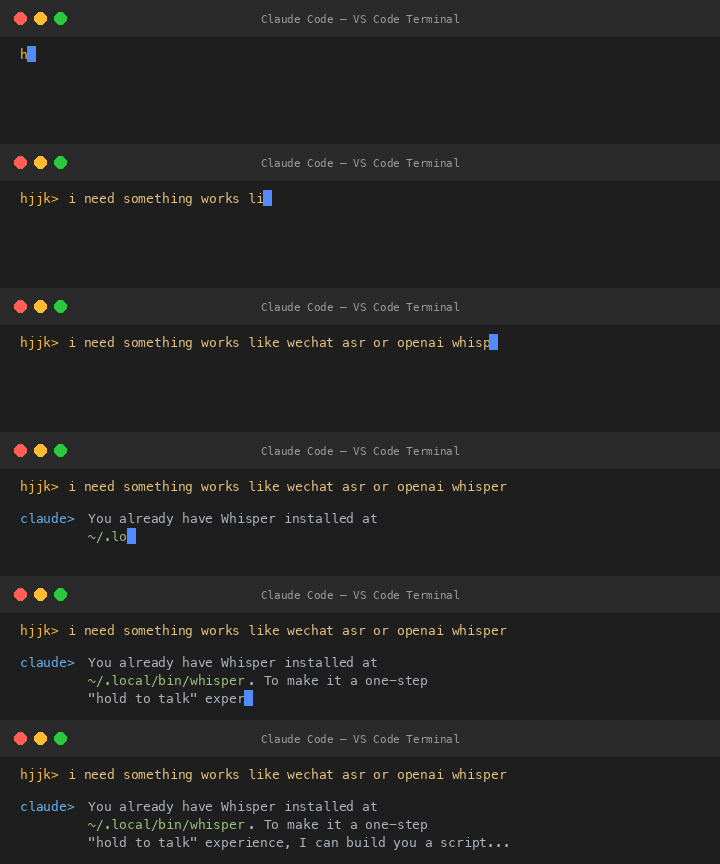
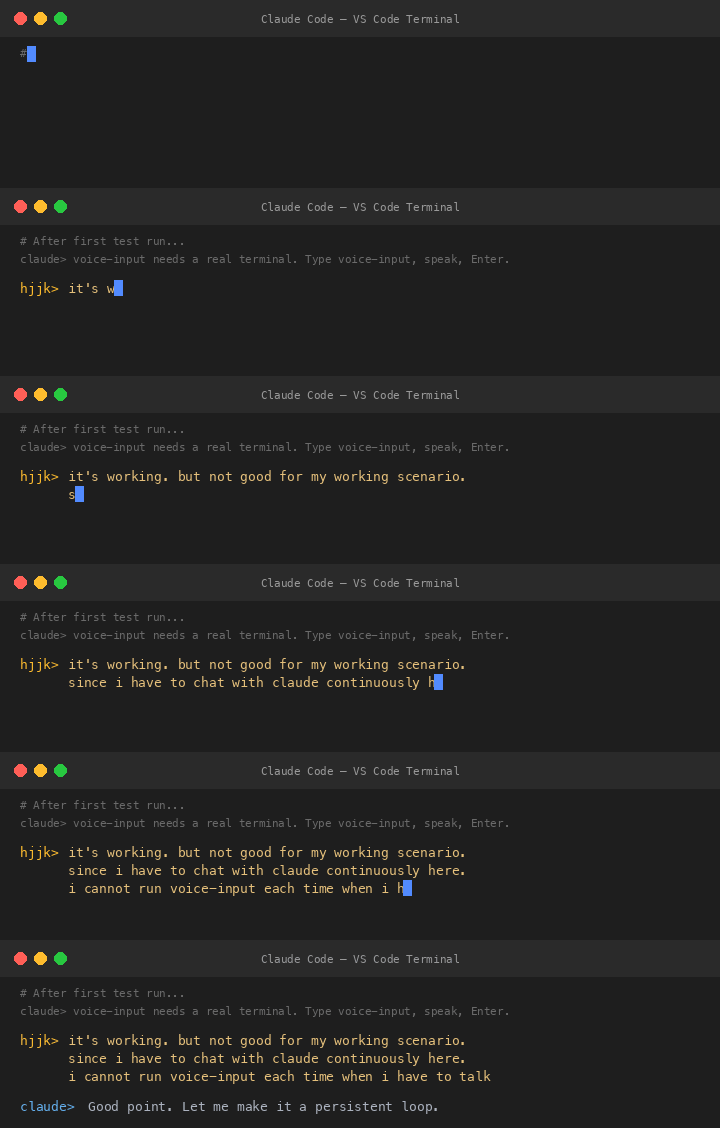
V0 The Ten-Minute Prototype
Claude built the first version in minutes: a simple Python script that
records from the mic using sox, stops when you press Enter, runs
Whisper, and copies the result to clipboard.
V1 The Persistent Loop — And Its Fatal Flaw
Claude converted it to a persistent loop: press Enter to start recording, press Enter again to stop, repeat forever. I saw the flaw instantly:
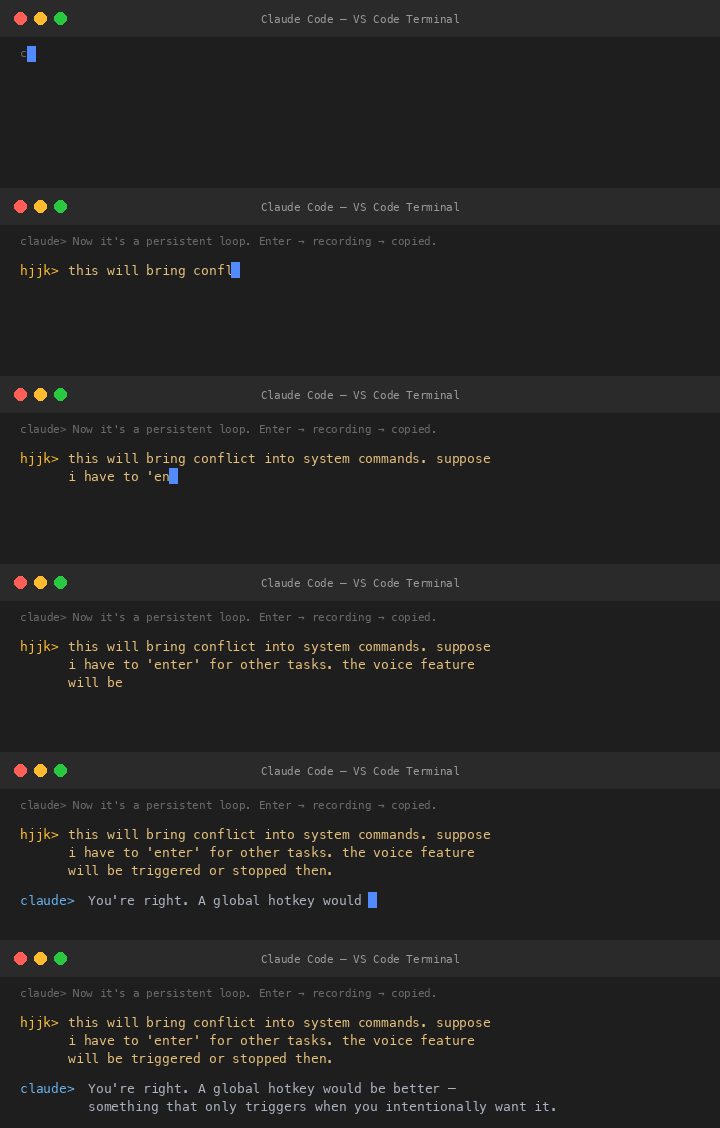
Then I delivered the design spec that defined the entire project:

This is exactly how WeChat handles voice messages — hold to talk, release to send. Simple, intuitive, no conflict with other keyboard shortcuts.
V1.5 The Fn Key Daemon
Claude built a background daemon using Python’s Quartz framework to
create a CGEventTap — a low-level macOS event listener that detects Fn
key press and release. sox handles recording, Whisper handles
transcription, pbcopy handles clipboard.
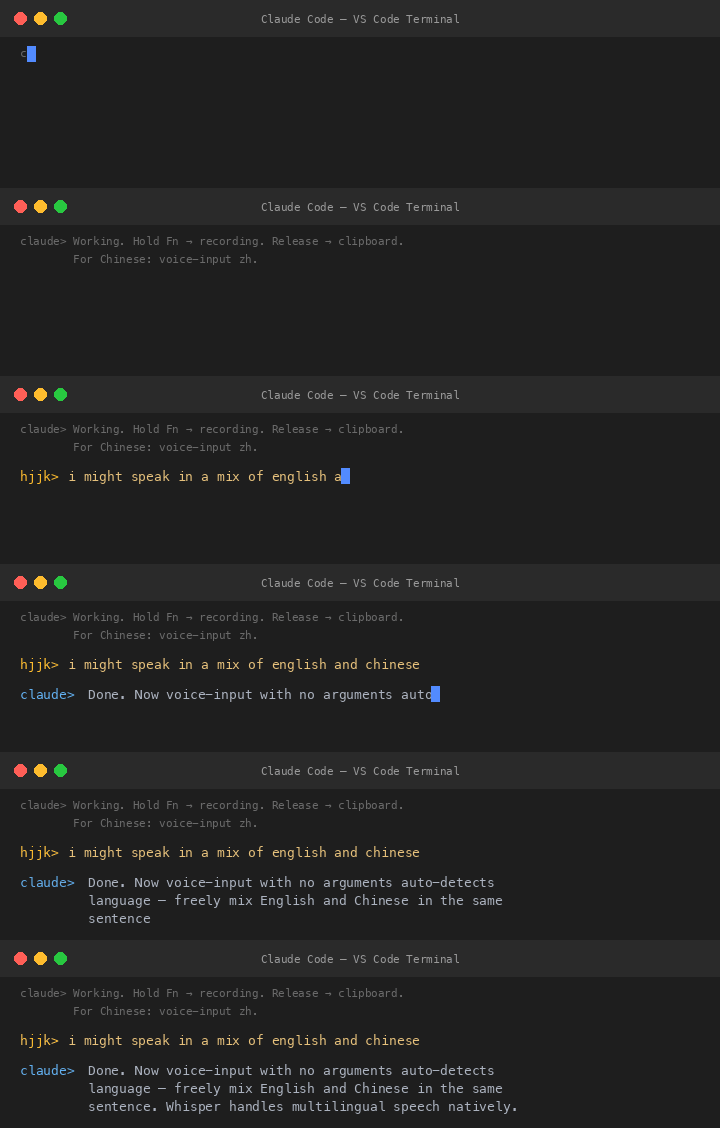
I tested it with mixed Mandarin and English:

The core was done. But it was rough — a terminal daemon with no UI, no auto-start, and occasionally missing punctuation.
V2 From CLI Hack to Polished Mac App
I wanted two things: fix the missing punctuation, and turn it into a
proper macOS menu bar app that starts on login. Claude drafted a plan
using rumps (a Python library for menu bar apps), --initial_prompt
for Whisper punctuation hints, and a LaunchAgent plist for auto-start.
The Multi-AI Audit
Before implementing, I did something I do routinely for important features: I sent the plan to multiple AI reviewers for independent audit. Claude CLI and Kimi CLI both reviewed the plan — and both caught the same critical bug.
The bug: My plan assumed --language en would translate Chinese
speech to English. It doesn’t. It forces Whisper to treat all audio as
English, which means Chinese speech produces garbled nonsense. Actual
translation requires --task translate.
Furthermore, there is no Whisper flag for translating TO Chinese at all. The plan had a “Chinese translation” mode that was technically impossible. Both auditors flagged it independently.
The audit also surfaced 12 other issues: race conditions with overlapping recordings, deprecated notification APIs on macOS 14+, unsafe UI updates from background threads, silent CGEventTap disabling, and more. Every one was addressed before implementation.
The Bug Parade
The Swedish Ghost. I spoke a short phrase in Chinese and got back:
“Vad sager du?” — Swedish. With very short audio clips, Whisper’s
language detection goes haywire. The --initial_prompt helps bias it,
but sub-second clips can still confuse the model.
The Zombie PID. After a system reboot, voice-input refused to start.
The PID file contained PID 717, which was valid — but it belonged to
itunescloudd, Apple’s iCloud sync daemon. After a reboot, macOS reuses
PIDs, so os.kill(717, 0) returned success because a process existed
at that PID, just not ours.
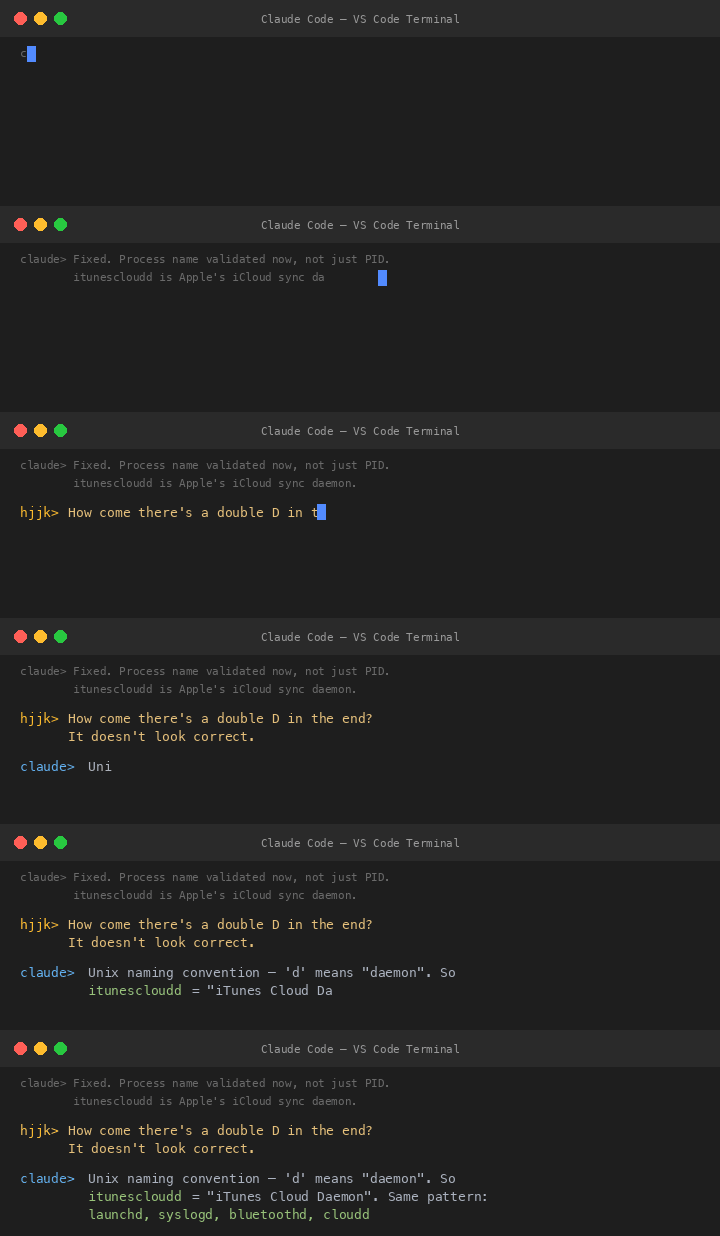
The things you learn while debugging.
The Duplicate Menu Bar Icons. After enabling the LaunchAgent, I saw two microphone icons. I’d forgotten to quit the manually-launched instance before the LaunchAgent started a second one. I quit the wrong one, killing the working instance. Lesson learned: the LaunchAgent handles everything now.
Auto-Paste: Going One Step Further
Once basic transcription was solid, I pushed for more:
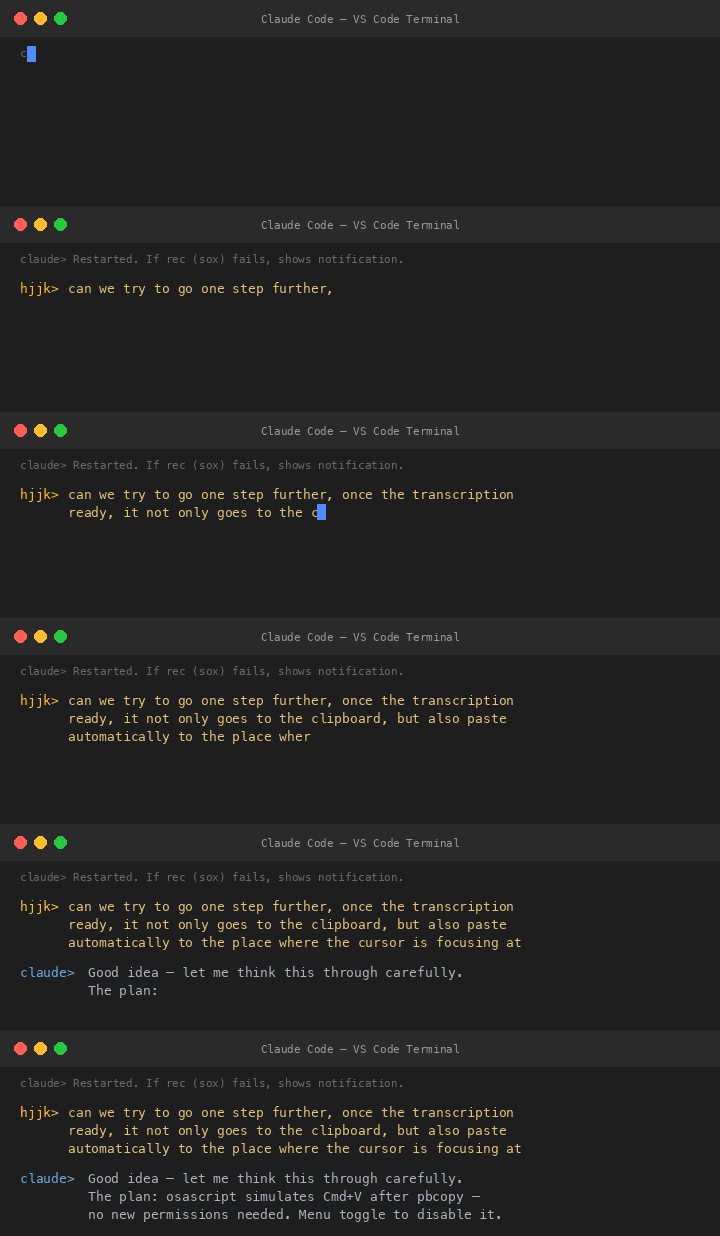
“Perfect, it’s running as we expected.”
Voice-Triggered Screenshots
The most creative feature came from a simple idea:
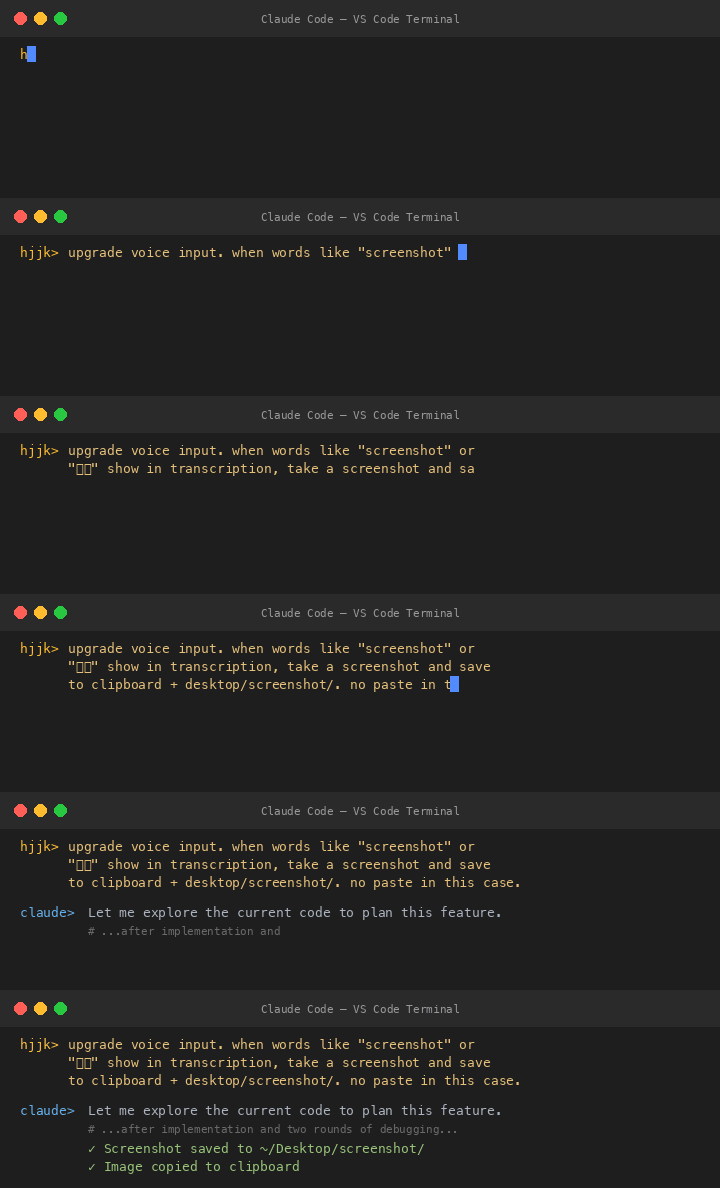
First test failed — “Can you take a screenshot for the moment?” didn’t match because the matching was too strict. Fixed by matching on just the word “screenshot” anywhere in the text. Second test failed — needed Screen Recording permission. After granting it, screenshots worked perfectly.
V3 Cloud STT — From 5 Seconds to 1
For five days, voice-input ran flawlessly with local Whisper. But the 3-5 second transcription delay nagged at me. On March 18, I decided to add cloud-based speech recognition.
The plan: try DashScope’s qwen3-asr-flash API first (Alibaba’s cloud
STT, ~1 second latency), fall back to local Whisper if offline or the
API fails.
The API key treasure hunt. The DashScope API key in GCP Secret Manager turned out to be expired. Claude searched the GCP VM, Docker containers, and various config files — all dead ends:
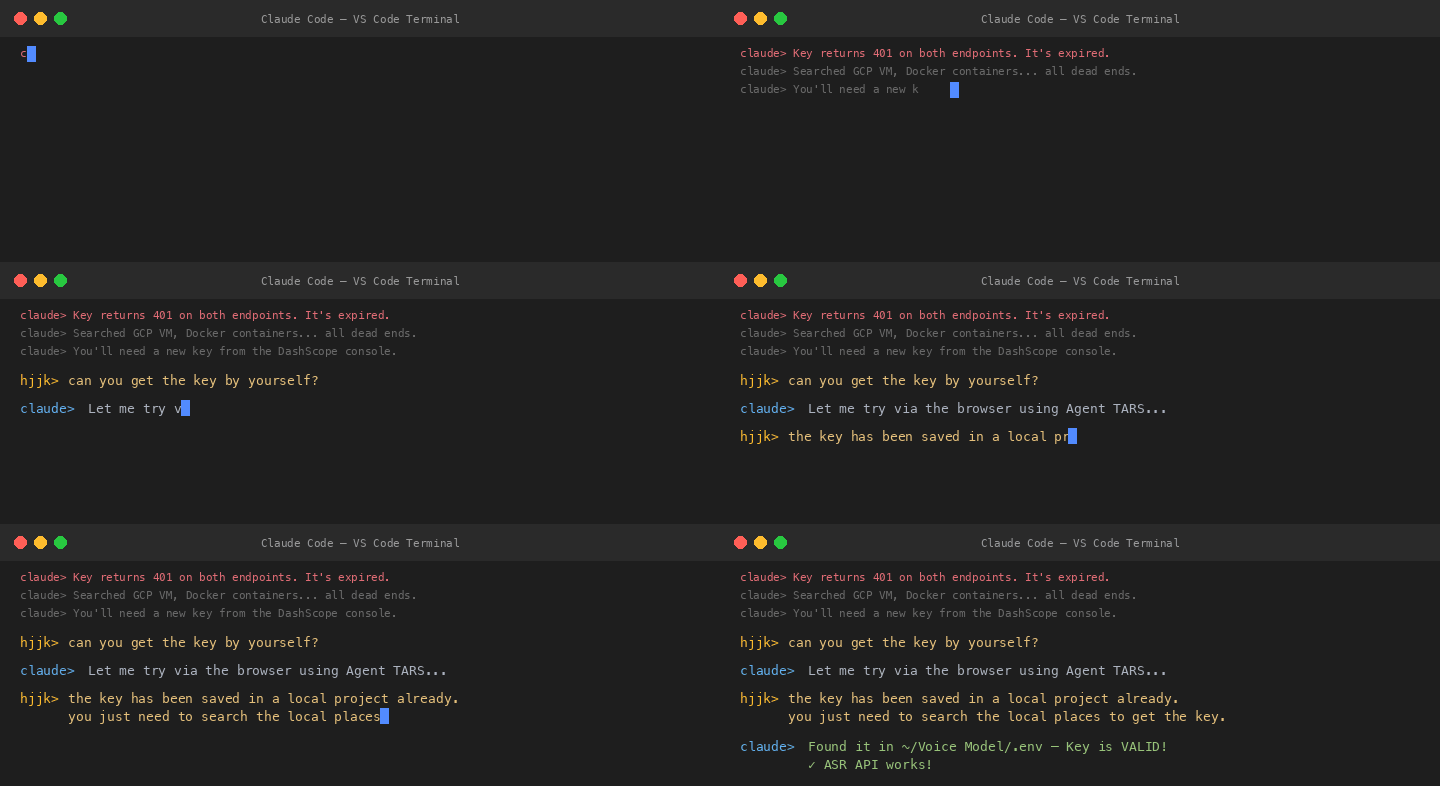
The implementation was clean: a new transcribe_cloud() function that
base64-encodes the WAV and calls DashScope’s multimodal API, with the
existing Whisper logic extracted into transcribe_local() as the
fallback. Notifications now show a prefix — ☁️ cloud or 💻 local — so I
always know which engine handled my voice.

From 5 seconds to 1. From local-only to cloud-first with offline fallback. From typing everything to just… talking.
The Architecture
What started as a 30-line script evolved into a 550-line macOS menu bar app:
What I Learned
AI-assisted development is genuinely powerful when iterative. The key wasn’t getting Claude to write the whole thing at once — it was the rapid feedback loop: describe what I want → Claude builds it → I test → describe what’s wrong → Claude fixes it → repeat. The entire V2 app was built in a single session.
Multi-AI audits catch real bugs. Having Claude and Kimi independently review the plan caught a Whisper API misunderstanding that would have shipped broken. Different AI models spot different things.
The best tools are born from frustration. I didn’t set out to build a speech-to-text app. I was tired of typing during a long coding session and asked a simple question. Six days later, I have a cloud-accelerated, bilingual, auto-pasting voice input tool that starts on boot and handles mixed English and Chinese.
Hold Fn. Speak. Release. Text appears.
That’s it. That’s the whole app.
Built March 12–18, 2026, across 7 Claude Code sessions.
~550 lines of Python. Zero typing required to use it.